
 EN
EN
 ar
ar bg
bg hr
hr cs
cs da
da nl
nl fi
fi fr
fr de
de el
el hi
hi it
it ko
ko no
no pl
pl pt
pt ro
ro ru
ru es
es sv
sv tl
tl iw
iw id
id lv
lv lt
lt sr
sr sk
sk sl
sl uk
uk vi
vi et
et hu
hu th
th tr
tr fa
fa ms
ms hy
hy ka
ka ur
ur bn
bn mn
mn ta
ta kk
kk uz
uz ku
ku
jointmeters
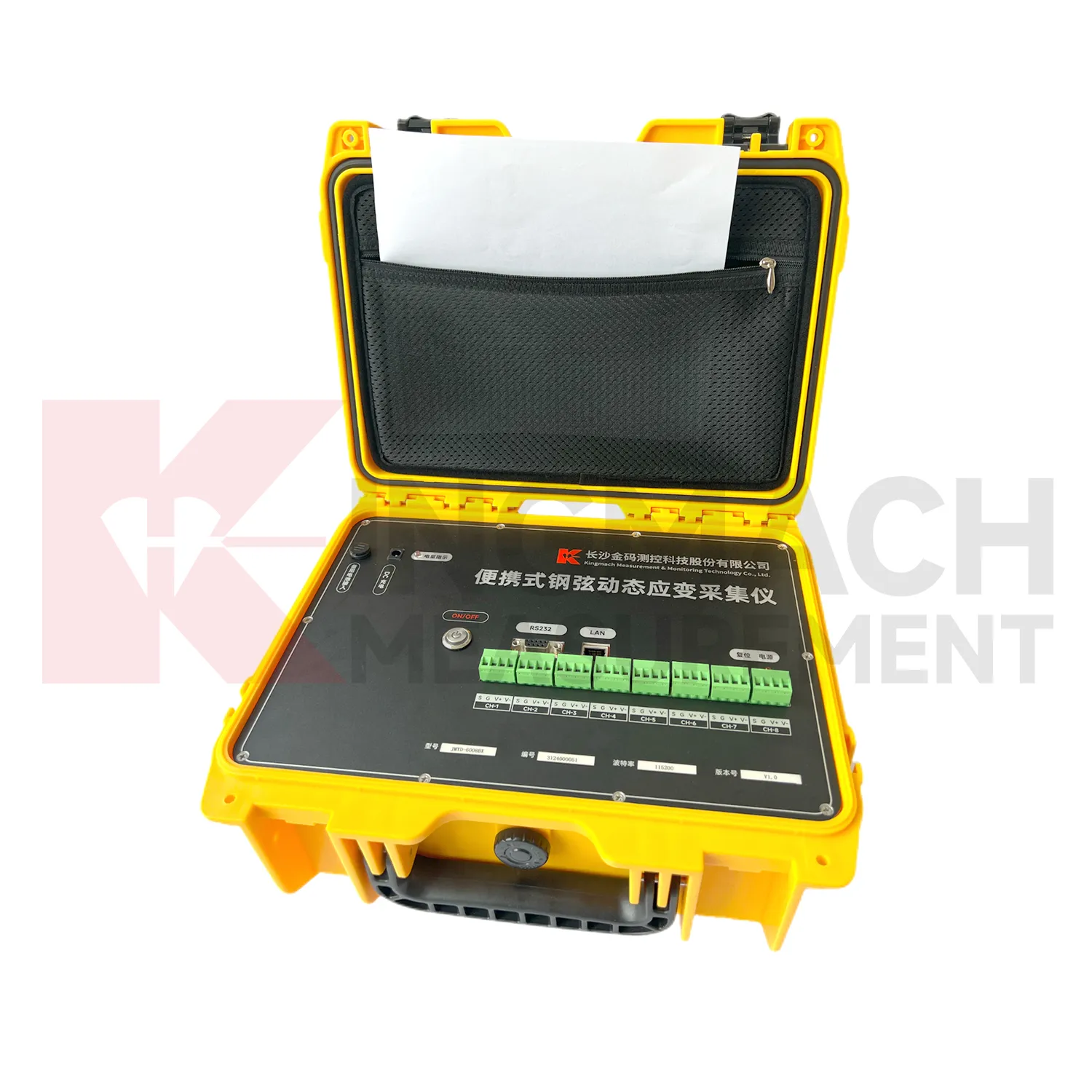
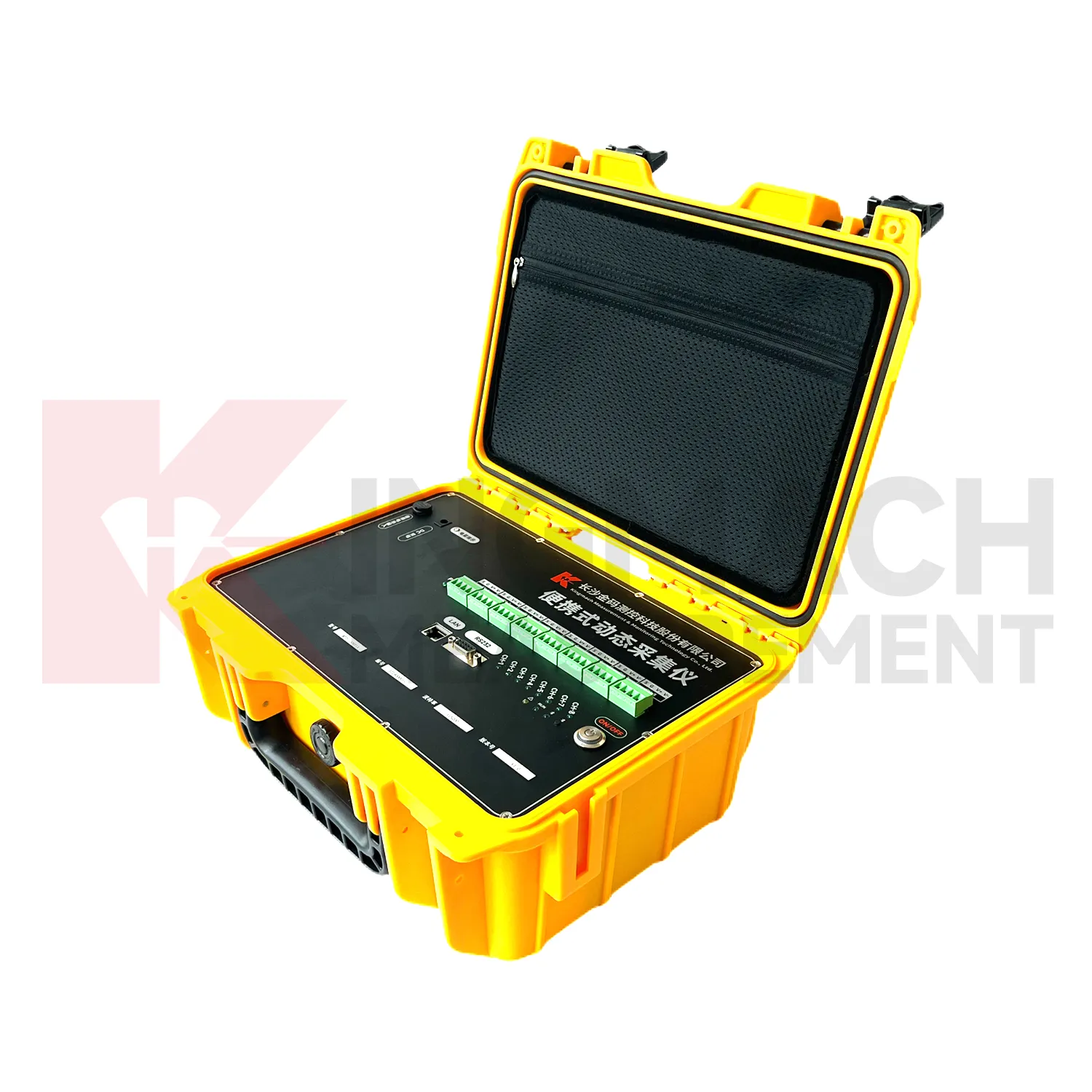
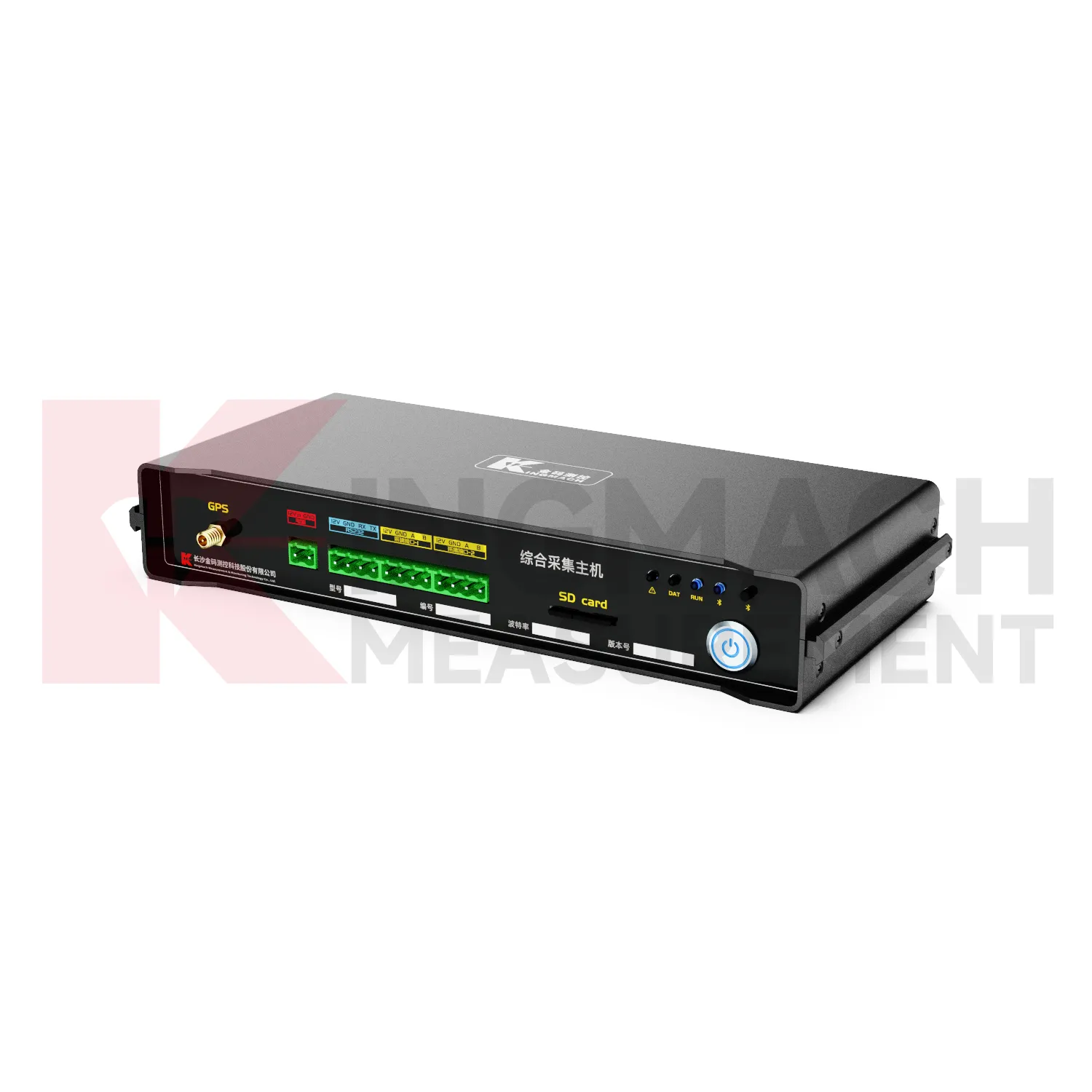
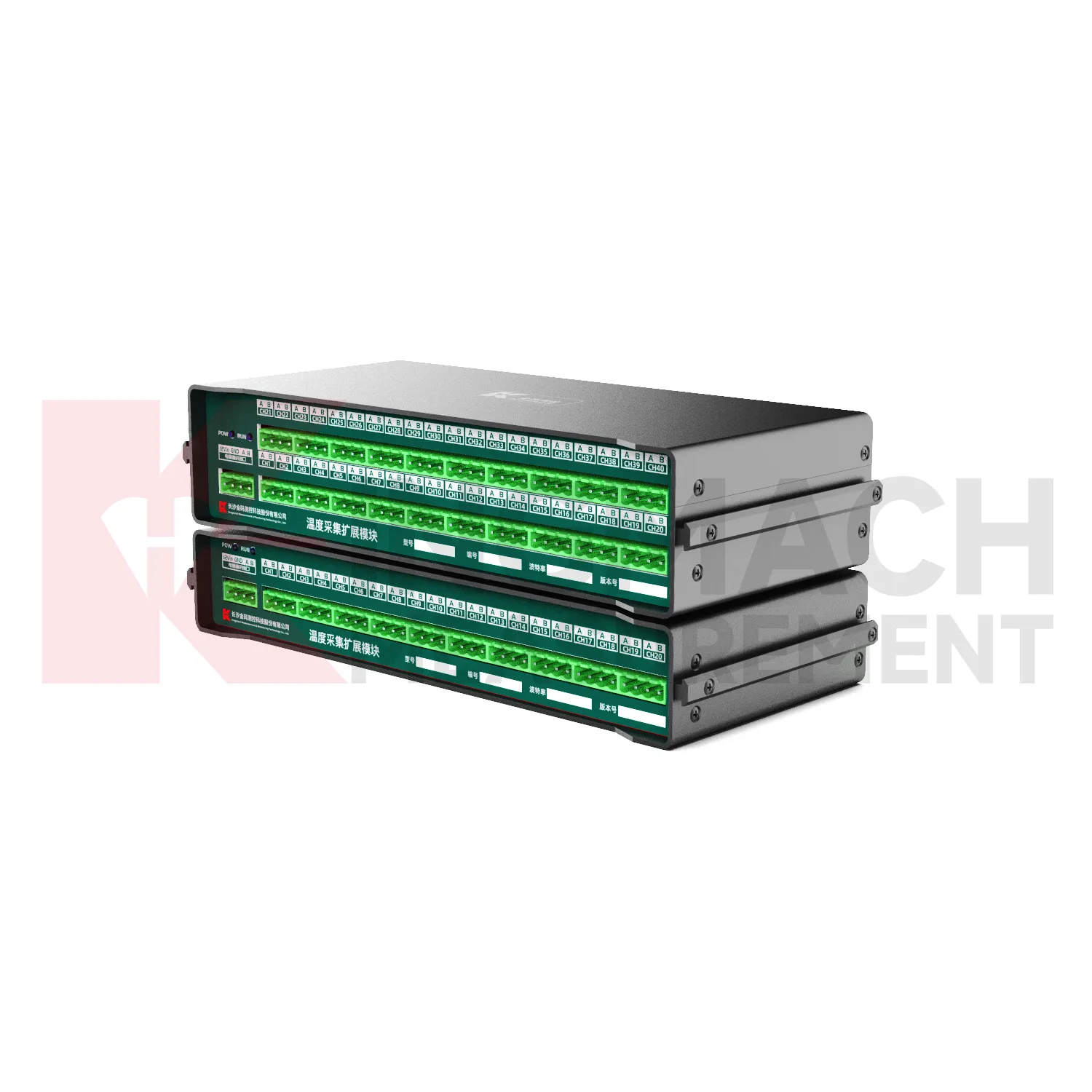
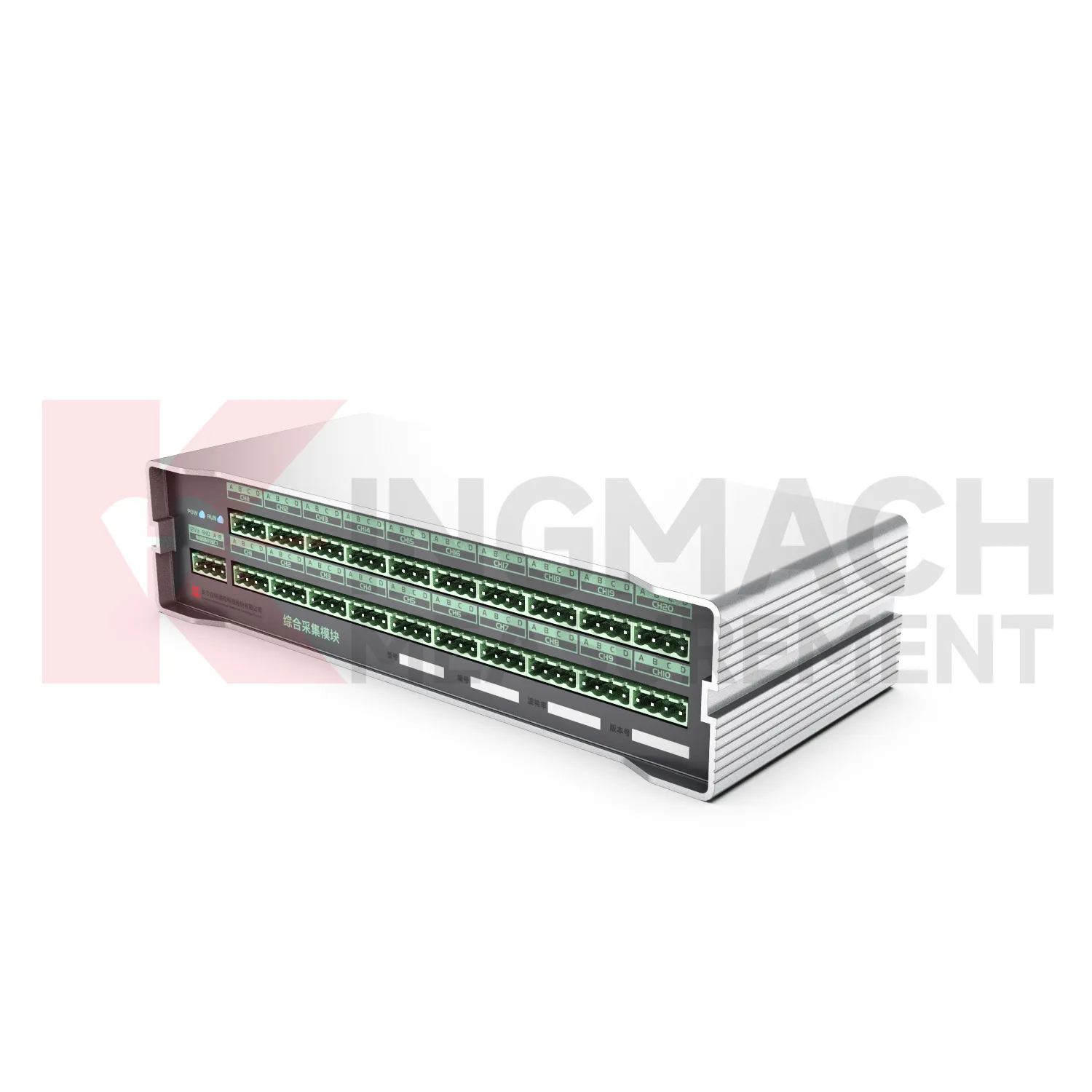
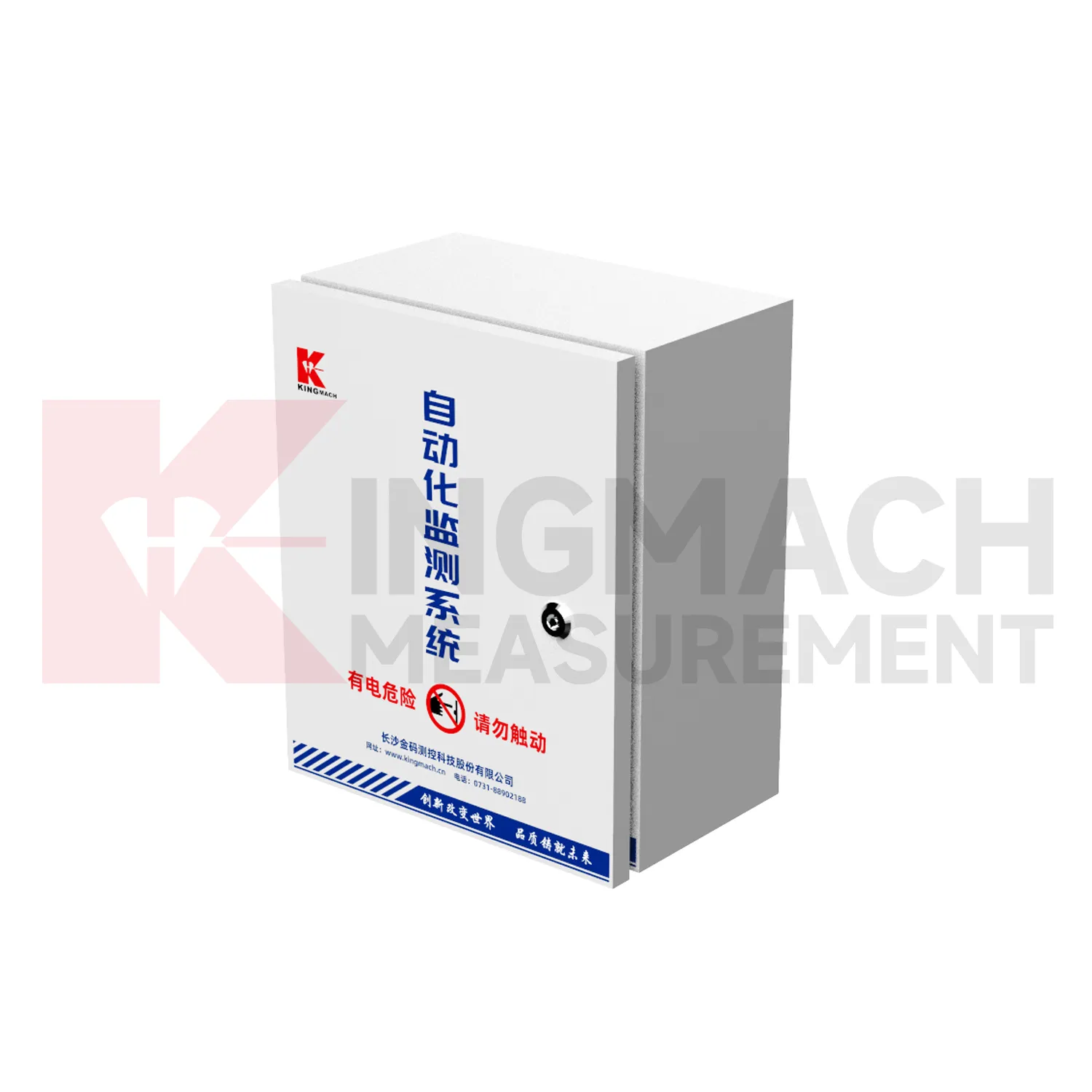
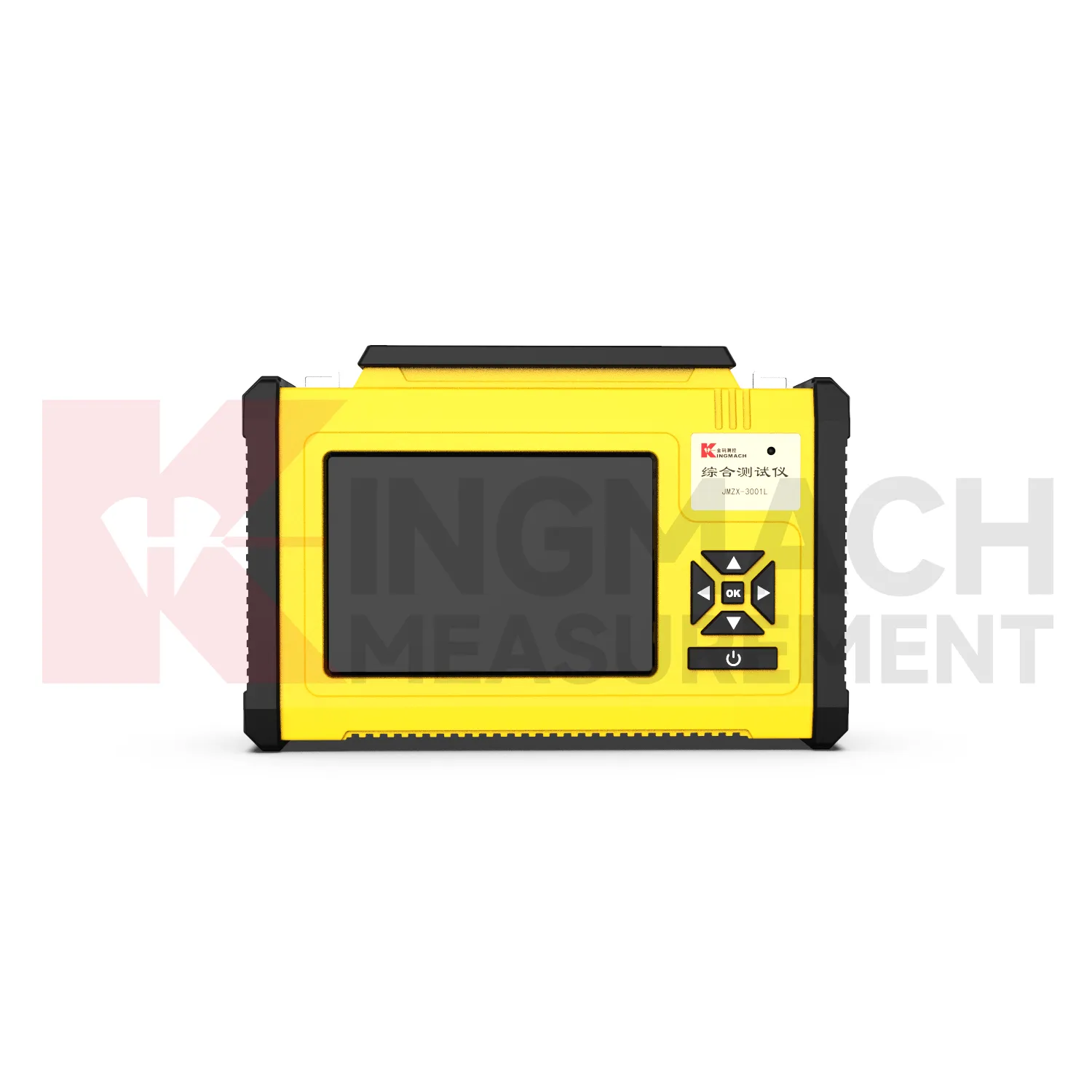
Kingmach jointmeters are useful because different project phases need different data behavior. During installation, technicians need immediate values, sensor checks, and wiring confirmation. During construction, supervisors may need frequent records that reflect loading, excavation, pouring, rainfall, traffic, or blasting. During operation, owners may need stable long-term acquisition with clear handover records. A readout supports fast field interaction, while a logger supports continuity. Wireless acquisition reduces the need for repeated site visits when access is difficult. Dynamic instruments support short events where timing and channel synchronization affect interpretation. A complete device plan should define who checks the data, how abnormal readings are confirmed, and where raw and reviewed records are stored. The plan should also show how the acquisition method changes as the project matures. A temporary test may need portable equipment and immediate export, while a long-term station may need battery review, remote upload, and maintenance notes. This phase-based view helps owners avoid using one data method for every task. It also makes acceptance easier because each project phase has a clear data purpose, review method, and responsible team. That clarity reduces uncertainty when monitoring moves from contractor control to owner operation. safely and consistently. for everyone. on site. clearly.
Application of jointmeters
Dam and hydraulic projects use Kingmach jointmeters to collect readings from strain gauges, displacement points, seepage instruments, water-related sensors, and environmental stations. A dam gallery or remote auxiliary structure may not be convenient for frequent manual visits, so fixed or wireless data loggers can improve continuity. Portable readouts remain useful for verification, maintenance checks, and sensor replacement. The acquisition plan should define which records support routine operation, which records support safety review, and which records are temporary construction measurements. Stable channel naming is important because dam projects often keep data for many years and may be reviewed by different teams across operation, inspection, and maintenance cycles. In hydraulic works, long-term comparability is especially important. A reading from a gallery, spillway, slope, or seepage point should remain traceable after seasonal changes, repairs, or inspection campaigns. The data logger history should show when a point was checked, when a device was serviced, and whether communication or power condition affected the record. This helps dam owners keep monitoring evidence usable through operation and maintenance. It also supports comparison with water level, rainfall, seepage, temperature, and inspection notes when abnormal behavior needs engineering review. across operating seasons. with clear responsibility. over time. reliably. safely.
The future of jointmeters
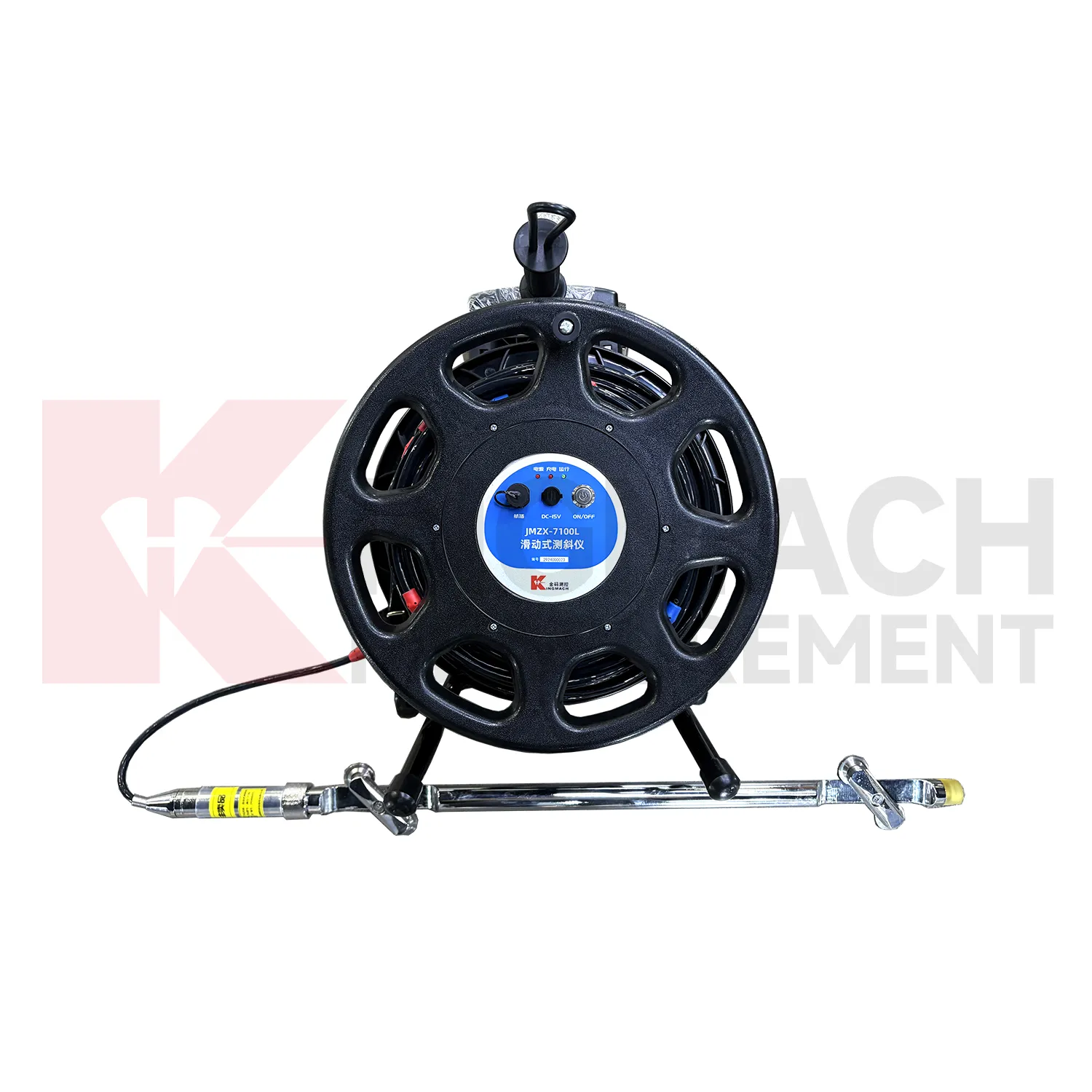
Future Kingmach jointmeters will make remote monitoring more practical for unattended structural and geotechnical stations. Low-power acquisition, scheduled measurement, wireless upload, and remote maintenance can reduce repeated site visits. The value is not only convenience; it is continuity during weather events, night work, and restricted access periods. A remote station should show whether it is collecting, uploading, storing, and operating within expected power conditions. When this information is available, engineers can trust the data stream more confidently and plan field visits around actual station needs. Future remote stations can also make maintenance routes more efficient. If a slope logger reports weak battery but stable sensor values, the crew can prepare power service. If a bridge station uploads late after rain, the team can check enclosure and signal condition first. This kind of device context helps field work become more targeted. while protecting data continuity. across remote sites. over time. safely.
Care & Maintenance of jointmeters
Care and maintenance of Kingmach jointmeters should begin with channel and point identity. Every readout or logger record should match the physical sensor point, cable label, channel name, and project location. If labels fade, cables are moved, or channel names are changed without notes, later reviewers may not know which structure or sensor produced the value. Maintenance staff should keep updated channel lists, point photos, and connection diagrams. After a repair or reconnection, the first stable reading should be saved with a note about the work performed. This protects the monitoring history from avoidable confusion. Identity checks are especially important after sensor replacement or cabinet work. A technician should confirm the physical point before accepting a reading, then update the channel map if anything changed. This simple habit prevents a good value from being assigned to the wrong structure. during later review. by engineers and owners. over time. safely. clearly.
Kingmach jointmeters
Kingmach jointmeters support projects when monitoring duties shift between installation teams, testing teams, owners, and maintenance contractors. Early readings may come from a handheld instrument during sensor acceptance, while later readings may be gathered by a fixed cabinet, a wireless station, or a portable unit brought back for verification. The important requirement is continuity: every channel should keep a recognizable identity, every reading should carry enough field context to be interpreted, and every operating change should be traceable. A good handover package explains sensor grouping, channel labels, collection rhythm, communication route, power arrangement, and review responsibility in language that a new technician can follow. This prevents routine monitoring from depending on one person?s memory. When a bridge, tunnel, dam, slope, building, railway section, or industrial test rig remains under observation for months, the acquisition system must make daily work orderly: connect, confirm, collect, review, report, and keep the history usable for engineering judgement.
FAQ
Q: When is a portable readout useful?
A: A portable readout is useful during installation, inspection rounds, sensor verification, temporary testing, and maintenance checks when immediate field values are needed.
Q: When is a wireless logger useful?
A: A wireless logger is useful at remote or difficult access sites where scheduled acquisition and active upload reduce repeated manual visits.
Q: Can one device handle every monitoring task?
A: No. Slow long-term monitoring, dynamic event capture, digital bus acquisition, and handheld verification may require different acquisition devices.
Q: Why does acquisition interval matter?
A: The interval must match site behavior. Fast events need frequent or dynamic capture, while stable long-term points may use slower scheduled readings.
Q: How should data be handed over?
A: The handover file should include sensor lists, channel maps, baseline readings, acquisition settings, communication details, and maintenance history. The record stays useful when point names, channel labels, sensor type, measurement time, and field condition are kept together, because later reviewers can connect the number with the actual structure and inspection history.
Reviews
Robert Taylor
The weir flow meter is well-built and delivers accurate measurements. Great value for water management applications.
Joshua Clark
We ordered a full monitoring solution including sensors and data loggers. Everything works seamlessly together. Great supplier!
Latest Inquiries
To protect the privacy of our buyers, only public service email domains like Gmail, Yahoo, and MSN will be displayed. Additionally, only a limited portion of the inquiry content will be shown.
Charlotte***@gmail.comUnited Arab Emirates
Hi, we require instrumentation cables suitable for harsh environments. Could you advise on specifica...
Sophia***@gmail.comUnited Kingdom
Good day, we need environmental monitoring sensors including temperature, humidity, and wind sensors...
Related product categories
- the readout
- best data loggers
- data loggers for sale
- best temperature data loggers
- cloud integration for data loggers
- data loggers for temperature
- data loggers temperature and humidity
- temp and humidity data loggers
- industrial data loggers
- data loggers for temperature and humidity
- Sliding Inclinometer
- inclinometer